How to Download GGMCF Application on Your iPhone
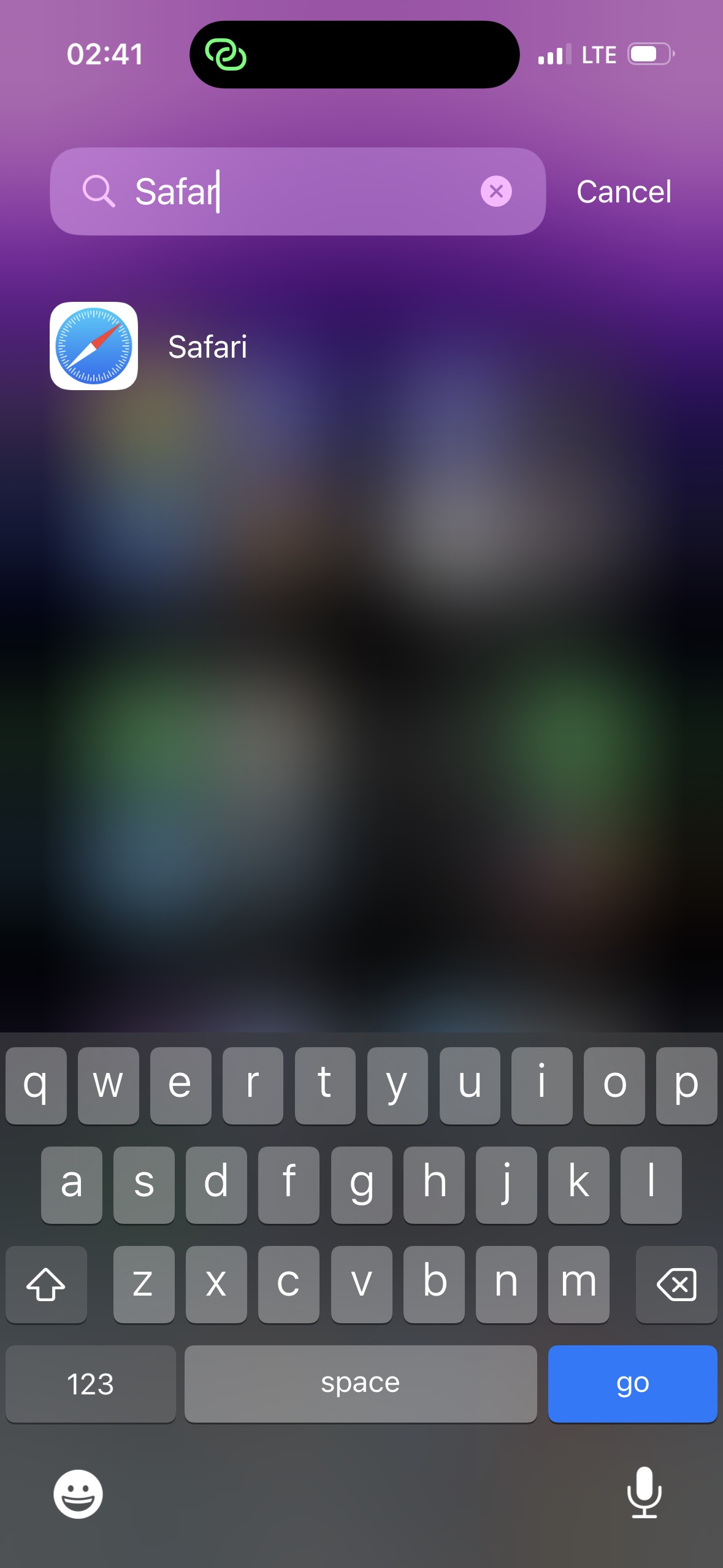
Follow the steps below to install the GGMCF app on your iPhone.
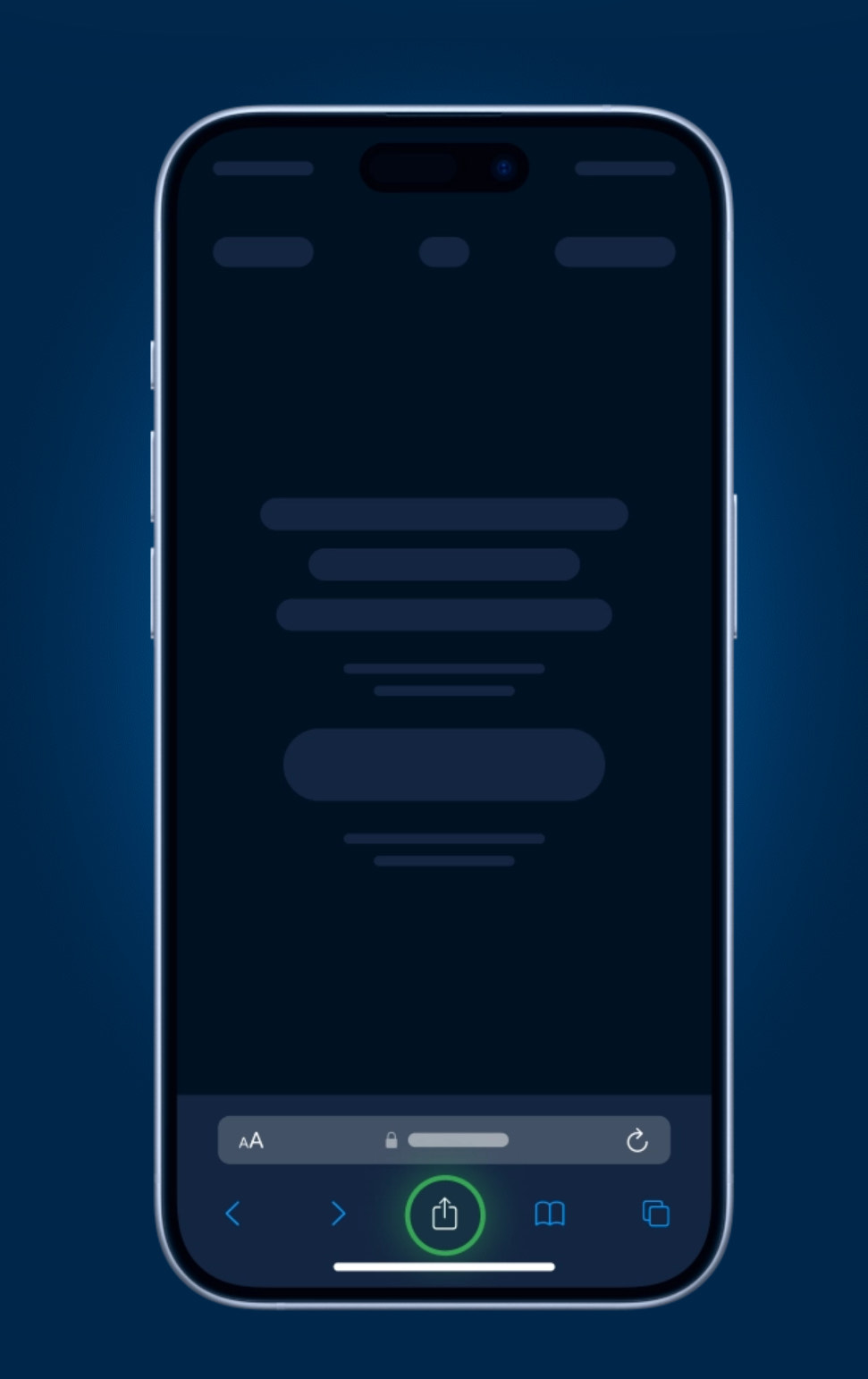
Step 2: Tap the Share Button
Tap the "Share" icon at the bottom of the screen (the square with the arrow pointing up).
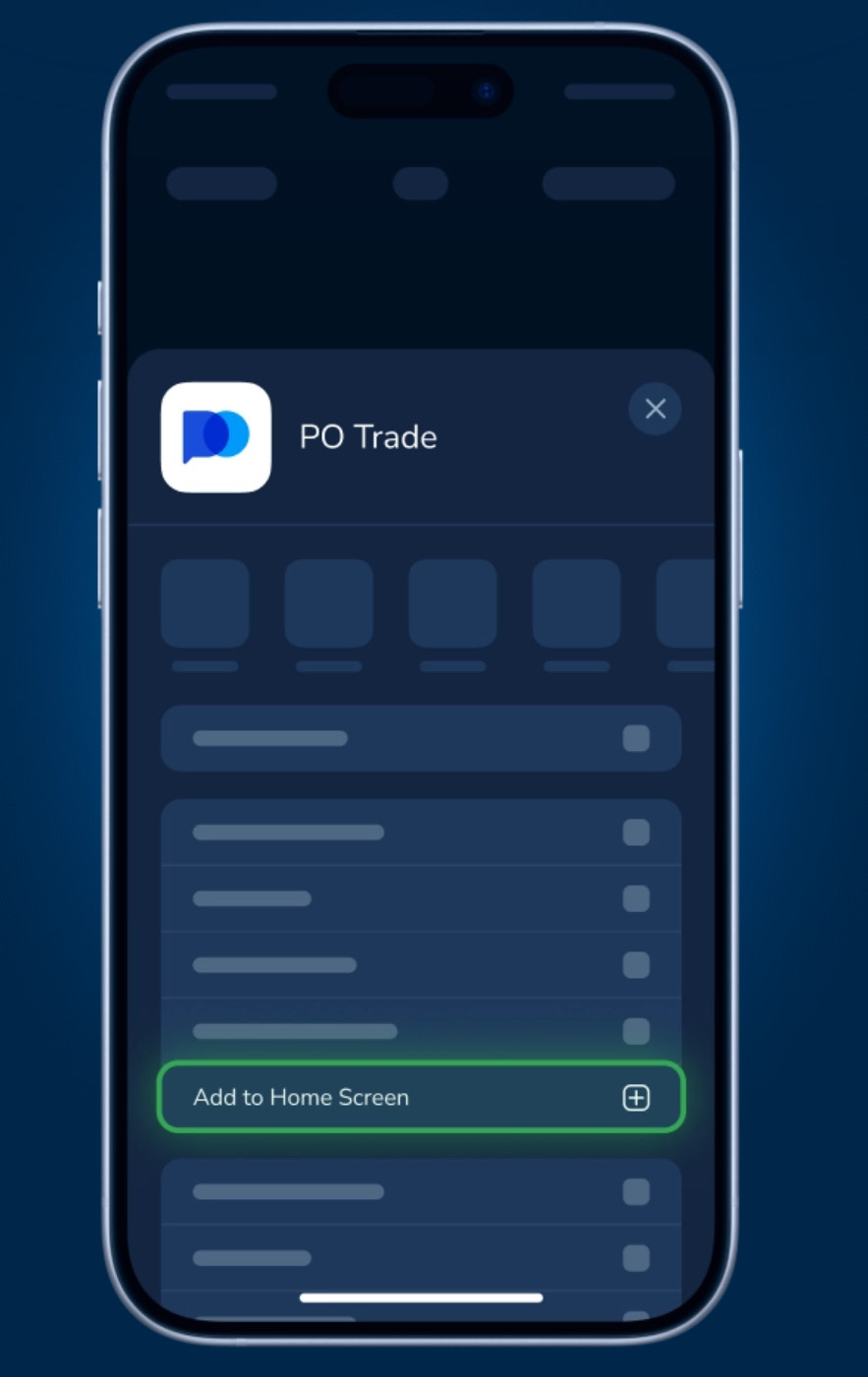
Step 3: Select "Add to Home Screen"
Scroll down and tap the "Add to Home Screen" option in the share menu.
Step 4: App is named as GGMCF "Add"
Tap "Add".

Step 5: Launch the App from Your Home Screen
Once the app is added, tap the app icon from your home screen to launch the GGMCF App!
